
Home › Login Help
DmFirst Login Help
The DmFirst sign-in screen asks you to log in with your phone number or email, then your password. Pick the tab that matches the details your account was created with.
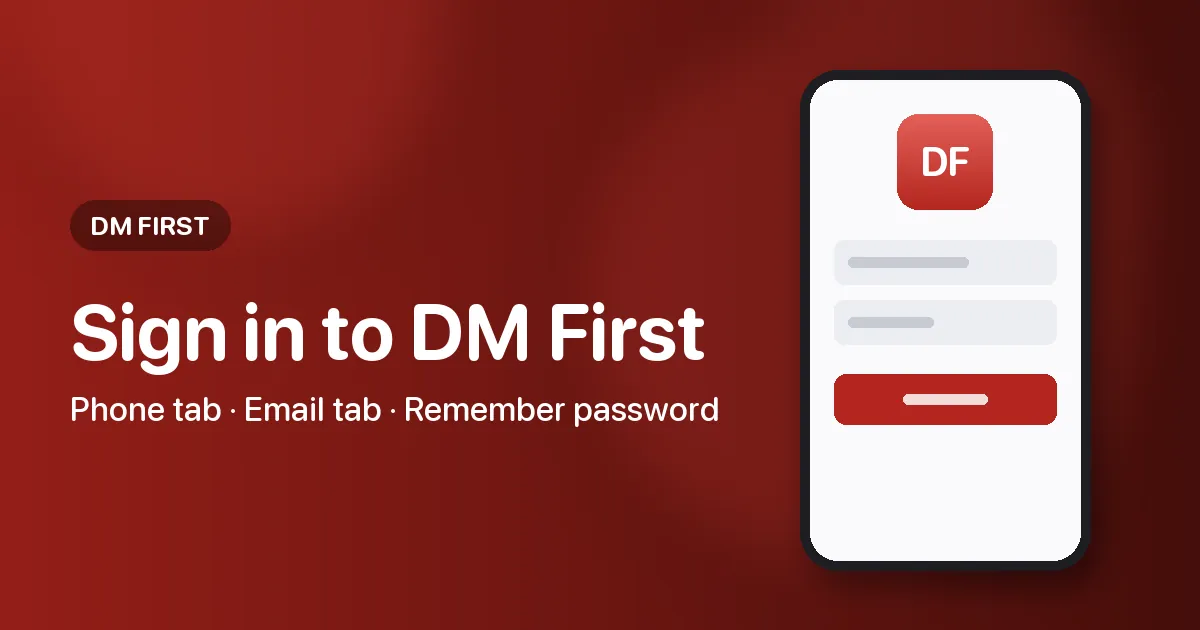
Signing in to DmFirst, tab by tab
- In your phone browser, open DmFirst and choose Log in on its home screen.
- Pick Phone Number for a +91 mobile, or Email if the account uses an email address.
- Fill in the number or address, then your password.
- Decide on Remember password: handy on your own handset, unwise on a shared one.
- Tap Log in to finish.
DmFirst phone login or email login
The Phone Number tab keeps the +91 code beside its number box. The Email tab instead shows the placeholder 'please input your email'. Each tab pairs its box with a password field.
An account made through the phone register form belongs on the Phone Number tab. Unsure which you used? Try the number first.
Why won't DmFirst let me log in?
| What happens | What to try |
|---|---|
| Password not accepted | Confirm the tab, and check that caps lock or autocorrect has not altered a letter |
| Number rejected | Enter the mobile number alone, since +91 already sits in the selector |
| Lock message appears | Entering a wrong password more than 10 times brings up a lock dialog; follow the forgot password steps |
| No account yet | Create one with the register walkthrough |
| Screen does not load | Refresh, swap between Wi-Fi and mobile data, or try a different browser |
Remember password on a shared phone
It spares you retyping on your own phone. On a family or borrowed device, leave it unticked so the next person cannot walk straight into your account.
Questions and answers
Does DmFirst login ask for an OTP?
No OTP box was visible on the sign-in screen, which asks only for a phone number or email and a password. If a code is ever requested, type it only into the DmFirst screen and never share it.
Who can help with a locked DmFirst account?
The lock dialog points you to Forgot Password and also shows a Contact customer service button. This site cannot see or change accounts, as the support page explains.
Continue below when you are ready.